
Choose an audio effect
Graphic EQ adjusts the balance of frequency ranges. A compressor changes the relationship between louder and quieter passages. Reverb adds a sense of reflected sound. Fade In and Fade Out shape the level at a boundary. These operations have different purposes; applying them all does not automatically improve a recording.
Start with the smallest useful change. If speech has become harder to follow after adding reverb, reduce the treatment or undo it. If an EQ change makes a clip seem more exciting only because it becomes louder, compare at a similar listening level before keeping it.
Apply effects to the selected audio
Select a region when the adjustment belongs only to that passage. A dramatic treatment may suit an introduction while distracting from the rest of the recording. For wider changes, listen through quiet and loud sections before exporting. MP3 is already compressed audio; repeated lossy exports cannot restore detail missing from the original. Keep an editable project or a WAV working copy when you expect more revisions.
Step-By-Step Instructions
- 1
Open the MP3 and choose a section
Open the MP3 and identify one problem or creative goal. Listen to a short reference passage before opening any effect.
- 2
Apply a suitable effect
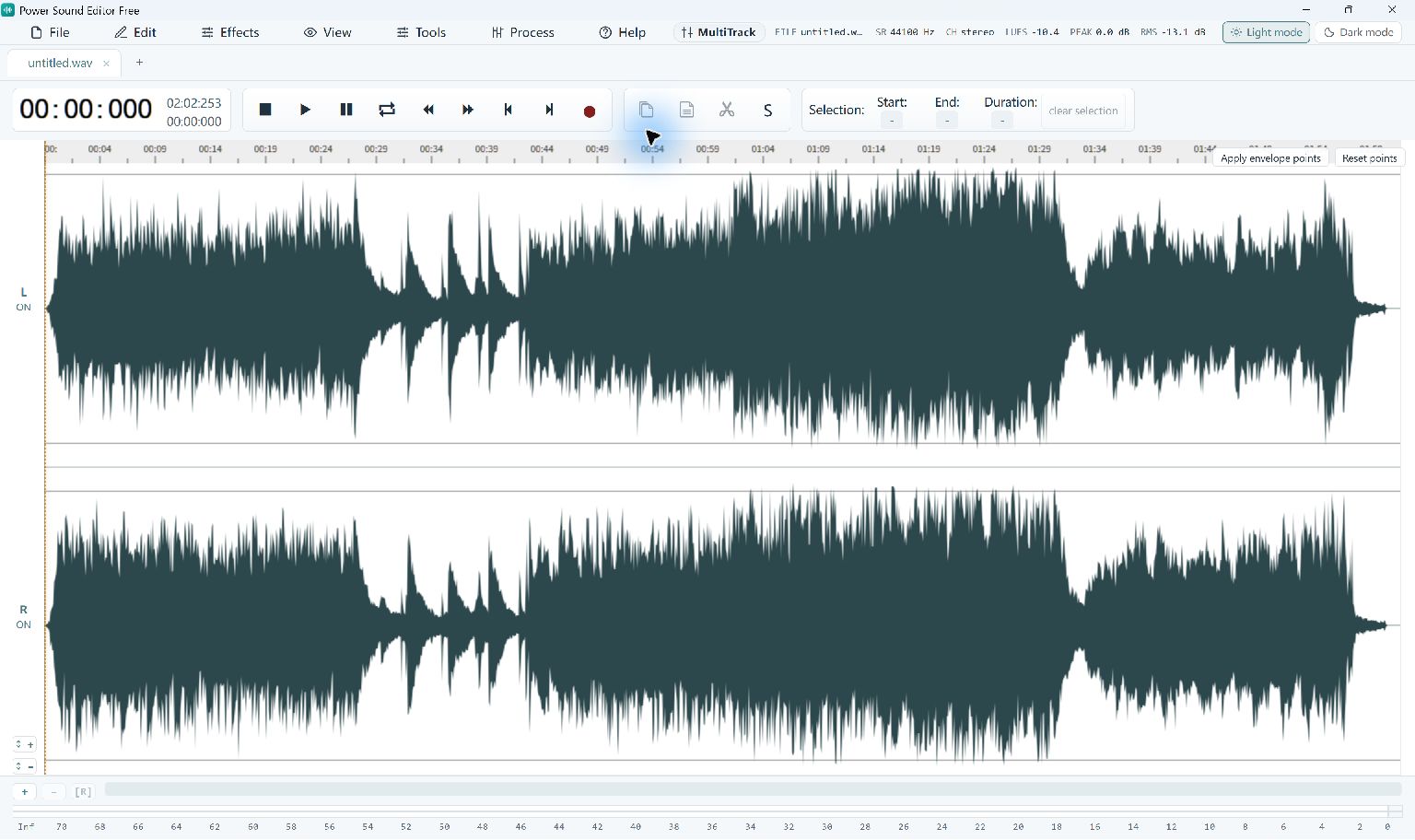
Select the target region, then use the Effects menu. Choose Graphic EQ, Compressor, Reverb or a fade according to your goal.
- 3
Listen and adjust
Play the treated passage and its surrounding audio. Use Undo if necessary, then try a less extreme setting or a narrower selection.
- 4
Save the edited MP3
Keep the project for revision and export a separate audio file. Include a descriptive suffix in the filename so you know which treatment it contains.
Common Questions
Can an effect turn a poor source into a high-quality recording?
Effects can change or improve particular qualities, but they cannot recreate missing performance details. Begin with the best source available.
Are the effects limited to paid users?
No. The current Power Sound Editor Free release provides its included editing and export features free.