
Free CD And DVD Burning Software
Create music CDs, back up files to CD or DVD, and burn ISO images with free disc-burning software.
- Burn Music CDs
- Back Up Files To CD Or DVD
- Burn ISO Images
All features are free. No paid license.
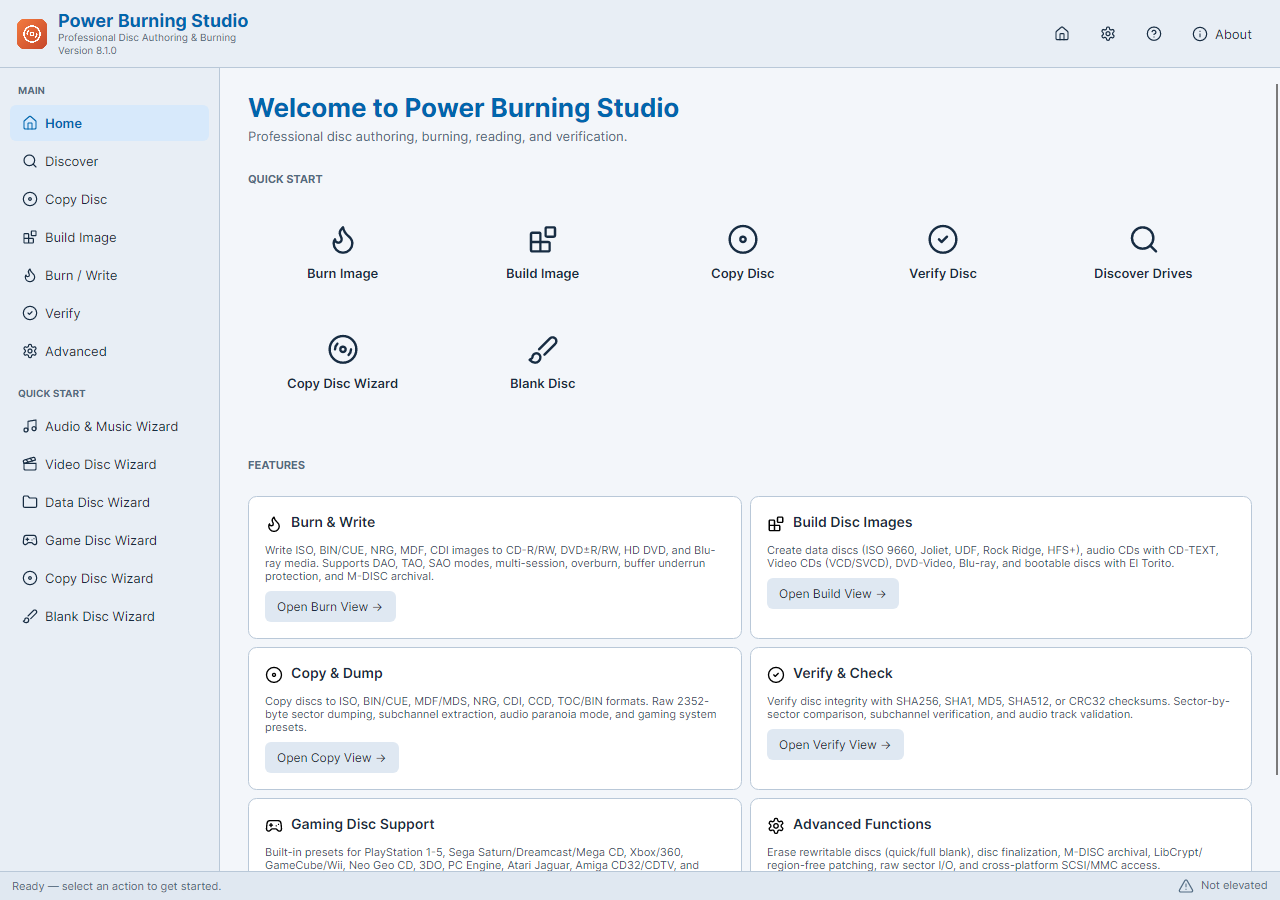
Burn A Disc In Three Steps
- 01
Choose A Disc Task
Select an audio CD, a data disc or an existing image to burn.
- 02
Add Tracks, Files Or An Image
Add your tracks or files, then check their order and disc capacity.
- 03
Select The Writer And Burn
Insert compatible writable media, review the settings and start the operation.
Music CDs, File Backups And DVD Burning
Burn Music CDs
Add music tracks, arrange their playing order and burn an audio CD. This creates an audio disc rather than a data disc containing music files.
Back Up Files To Disc
Create a data disc from the files and folders you want to keep. Use compatible blank media with enough capacity and verify the written data after burning.
Burn ISO Images
Write an ISO to a compatible CD or DVD. The image-burning tools reproduce the image contents on the disc; you do not need to add its files separately.
Burn Prepared Video DVDs
Use Video DVD from Folder with an already prepared VIDEO_TS folder. Save the project as an ISO or burn it with a compatible DVD writer. This workflow does not author a DVD movie from an arbitrary MP4 file.
Choose The Disc You Want To Make
Download Free Disc Burning Software
Frequently Asked Questions
Is the burning software completely free?
Yes. The included disc tools do not require a purchase or registration. You supply the compatible optical drive and writable media.
Why are administrator permissions required?
Power Burning Studio requires administrator access for its disc operations. Setup requests that access, and the checked installation-finish option launches the app with it.
Can I burn any video file as a DVD movie?
The DVD-Video task uses a prepared DVD-Video folder. Putting an MP4 file on a data DVD stores that file; it does not create the DVD structure expected by many DVD players.
Can I save an image without burning a disc?
Yes. Image-building tools can save a disc image on your PC. A physical copy requires a compatible writer and blank disc.
What PC and hardware do I need?
Use 64-bit Windows 10 build 19041 or newer, or Windows 11. To write a disc, connect an optical writer that supports the selected media.
Can I decline RelevantKnowledge?
Yes. The optional research application has its own visible Agree / Decline screen. Declining or skipping it does not prevent installation of Power Burning Studio.