
Free DVD Copy Software
Make another copy of an unprotected DVD, or keep an ISO backup on your PC for later.
- Copy DVDs To Another Disc
- Save DVD Backups As ISO
- Verify DVD Backups
All features are free. No paid license.
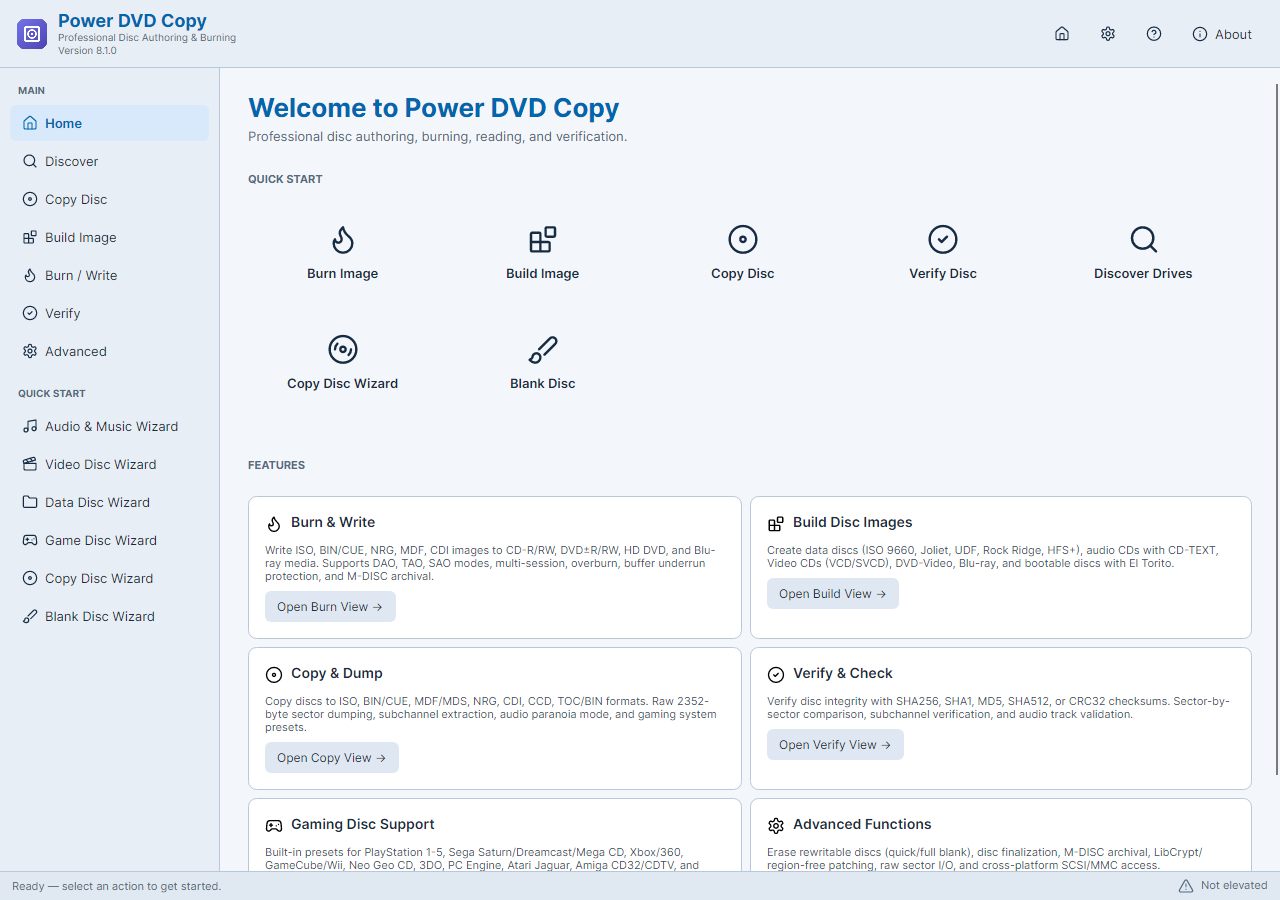
Make A DVD Backup In Three Steps
- 01
Save The DVD As An ISO
Use Copy Disc Wizard to read your unprotected DVD into an ISO image.
- 02
Burn Another DVD If Needed
Write the ISO to a compatible blank DVD using the image-burning tools.
- 03
Verify The Backup
Run verification to check the saved image or the newly written disc.
DVD Copies And ISO Backups
Copy A DVD To Another Disc
First save the source DVD as an ISO with Copy Disc Wizard. Then burn that ISO to a compatible blank DVD with the image-writing tools. The wizard itself saves an image rather than writing directly to another disc.
Keep DVD Backups On Your PC
Store a readable, unprotected DVD as a disc image without needing a blank DVD. Keep the ISO on your PC or other storage, ready to use when you need a physical copy.
Verify Your DVD Backup
Use verification after reading an image or writing a disc to check the copied data. For a physical DVD, also test playback or file access in the device where you will use it.
Choose How To Copy Your DVD
Download Free DVD Copy Software
Frequently Asked Questions
Is Power DVD Copy free?
Yes. The included disc-copy and image tools are free. You need suitable optical hardware and blank media for a physical copy.
Can it remove DVD copy protection?
No. Power DVD Copy does not remove DVD copy protection. Use readable, supported, unprotected discs that you own or have permission to copy.
Can it convert a DVD movie to MP4?
No. Power DVD Copy creates disc copies and disc images; it does not convert DVD movies to MP4.
Can I save a copy without a blank disc?
Yes. Save the supported source disc as an image on your PC. You can use the image-writing tools later if you need a physical copy.
What does it require to run?
Use 64-bit Windows 10 build 19041 or newer, or Windows 11, and a compatible optical drive. Both setup and the application require administrator permission.
Does setup include research software?
Setup may present an optional RelevantKnowledge research offer. You can accept, decline or skip it; declining does not affect installation or the application's existing features. Online setup downloads required components after license acceptance.