
Cut, record or add effects
For interviews or voice notes, precise selections and the ability to hear edits immediately matter more than a large preset collection. For desktop demonstrations, system-audio recording may be essential. For a short music excerpt, a clear waveform, a reliable selection export and controllable boundaries can be enough.
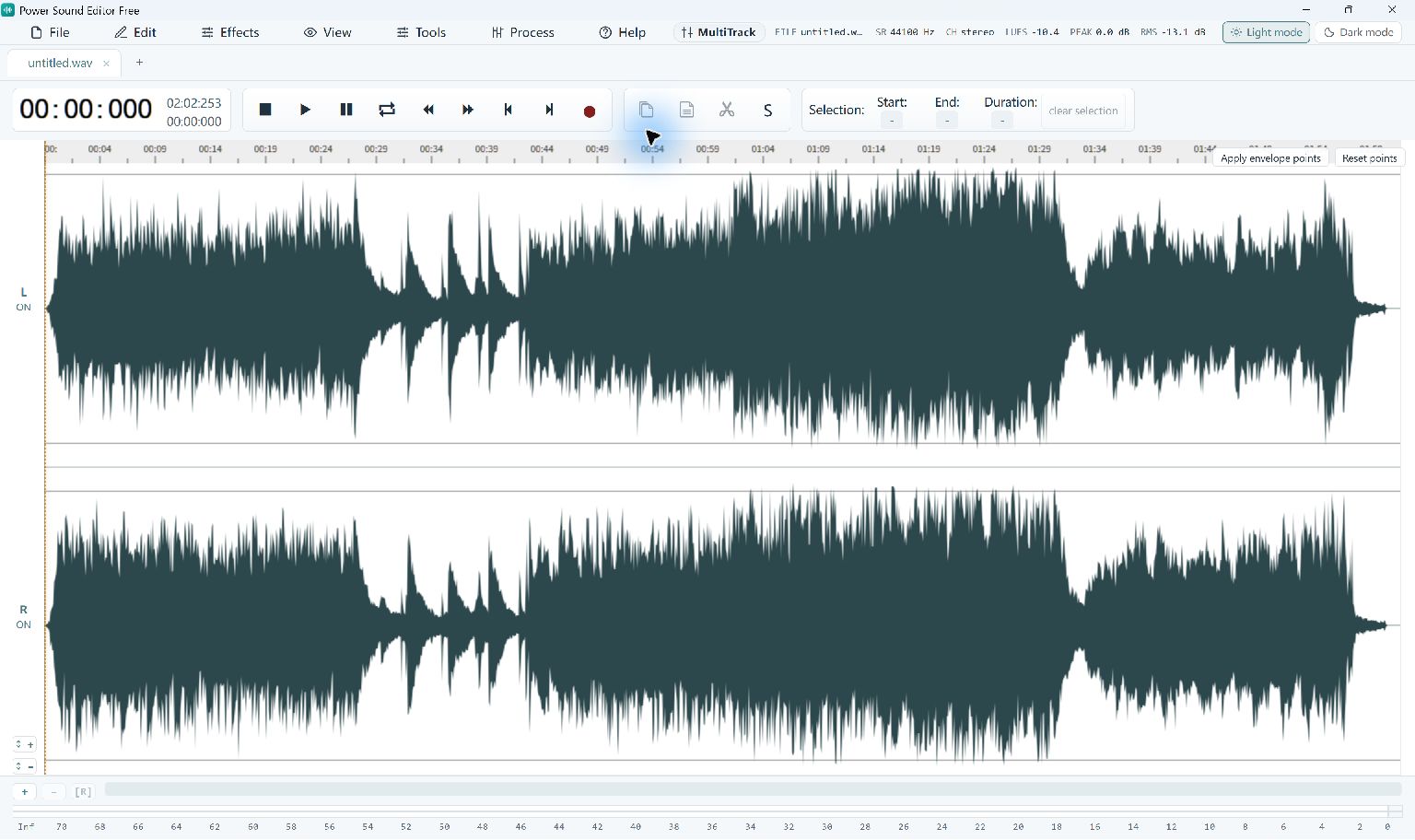
Power Sound Editor Free brings these tasks into one audio workspace. It can record a microphone or computer playback, edit imported audio, apply effects and produce a new audio file. Try it with a representative passage so that you can judge the workflow using your own material.
Audio CDs and text-to-speech
If your goal is to write an audio CD, the required step is optical-disc authoring; use Power Burning Studio. If you need a voice generated from typed text, create that spoken recording in a text-to-speech tool before editing it here. You can then open the resulting audio files in the sound editor.
Check the exported audio
A successful edit is more than a saved project. The recipient needs an ordinary audio file that works in their player or production application. Check format, duration, volume and the opening and ending of the exported copy. Current Power Sound Editor Free export options do not require a registration purchase.
Step-By-Step Instructions
- 1
Choose an audio task
Write a short requirement such as a two-minute excerpt, a cleaned narration take or a recording of your own presentation.
- 2
Edit a short recording
Open or record the source, make the intended edit and export the required format. Keep the experiment small enough to inspect carefully.
- 3
Check playback
Play the saved result where it will be used. If a separate disc or voice-generation stage is needed, choose the appropriate companion tool.
Common Questions
Is this a dated ranking of competing editors?
No. This guide helps match current audio tasks to suitable tools. Use the guide to check which features you need for your recording.
Do all formats require registration?
No. The current Power Sound Editor Free configuration enables all of its supported audio exports without a paid upgrade.