 Free
FreePower Sound Editor Free
Record audio, edit recordings and reduce background noise.
Explore FeaturesRecord your voice or computer audio, cut out mistakes and clean up the sound in one free audio editor.
All features are free. No paid license.
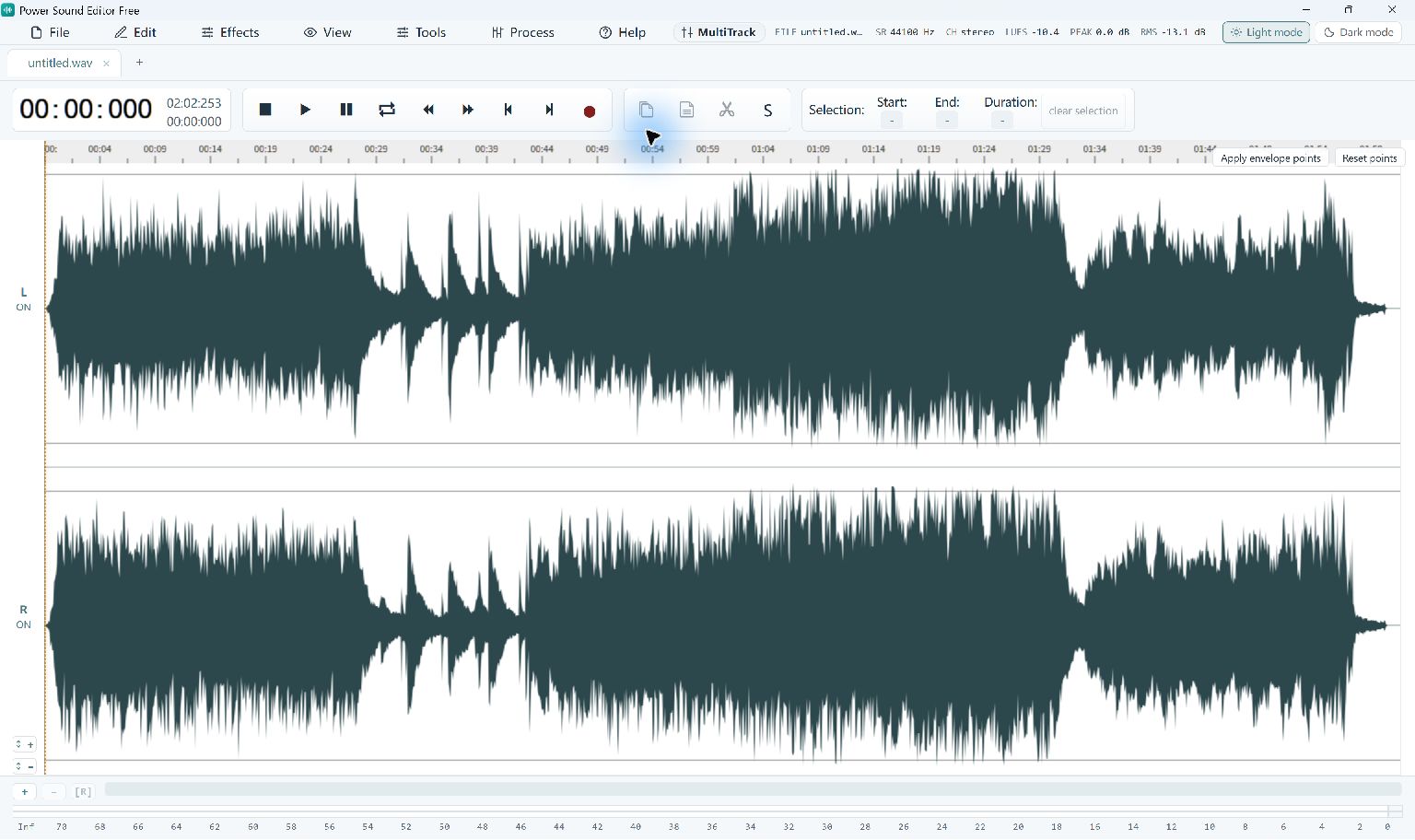
Record your voice or computer audio, or open an existing audio file.
Select unwanted audio, remove it, then adjust volume or apply effects.
Choose Convert / Export, select a format and save a new audio file.
Record narration, music or sound playing on your PC. Choose microphone input, system audio or both, then edit the recording in the same application.
Select a passage in the waveform to cut, copy or trim it. Zoom in to make precise edits and use Undo to compare your changes.
Reduce distracting background noise in voice recordings, adjust levels and apply EQ or fades. Compression and reverb are also available. Preview the result to keep the sound natural.
Choose MP3 for a listening copy, WAV for uncompressed audio or FLAC for lossless storage of the edited sound. Some export formats need a media component on first use.
FreeRecord audio, edit recordings and reduce background noise.
Explore Features Free
FreeCreate music CDs and back up files to disc.
Explore Features Free
FreeExtract video soundtracks in batches or save selected sections.
Explore Features Free
FreeDownload YouTube videos and playlists as MP3 audio.
Explore Features Free
FreeCopy unprotected DVDs and keep verified ISO backups.
Explore Features Free
FreeConvert, compress and edit video files in one application.
Explore FeaturesYes. Microphone recording, computer-audio recording, editing, effects and supported audio exports are free in this release. No purchase or registration key is required.
Yes. The recorder can capture a microphone, system playback or both. Select the devices carrying the sounds you need and check a short test recording first.
Use Windows 10 build 19041 or newer, or Windows 11, on a 64-bit PC. Microsoft Edge WebView2 Runtime is required to display the editor.
Local editing can run without a connection once the required components are available. Some export formats and online imports may need media components downloaded on first use.
Setup may present an optional RelevantKnowledge research offer. You can accept, decline or skip it; declining does not affect installation or the application's existing features. Online setup downloads required components after license acceptance.
Use Power Burning Studio for CD burning. First edit and export your tracks in the sound editor, then add those files to an audio CD project.