
Select the start or end of the audio
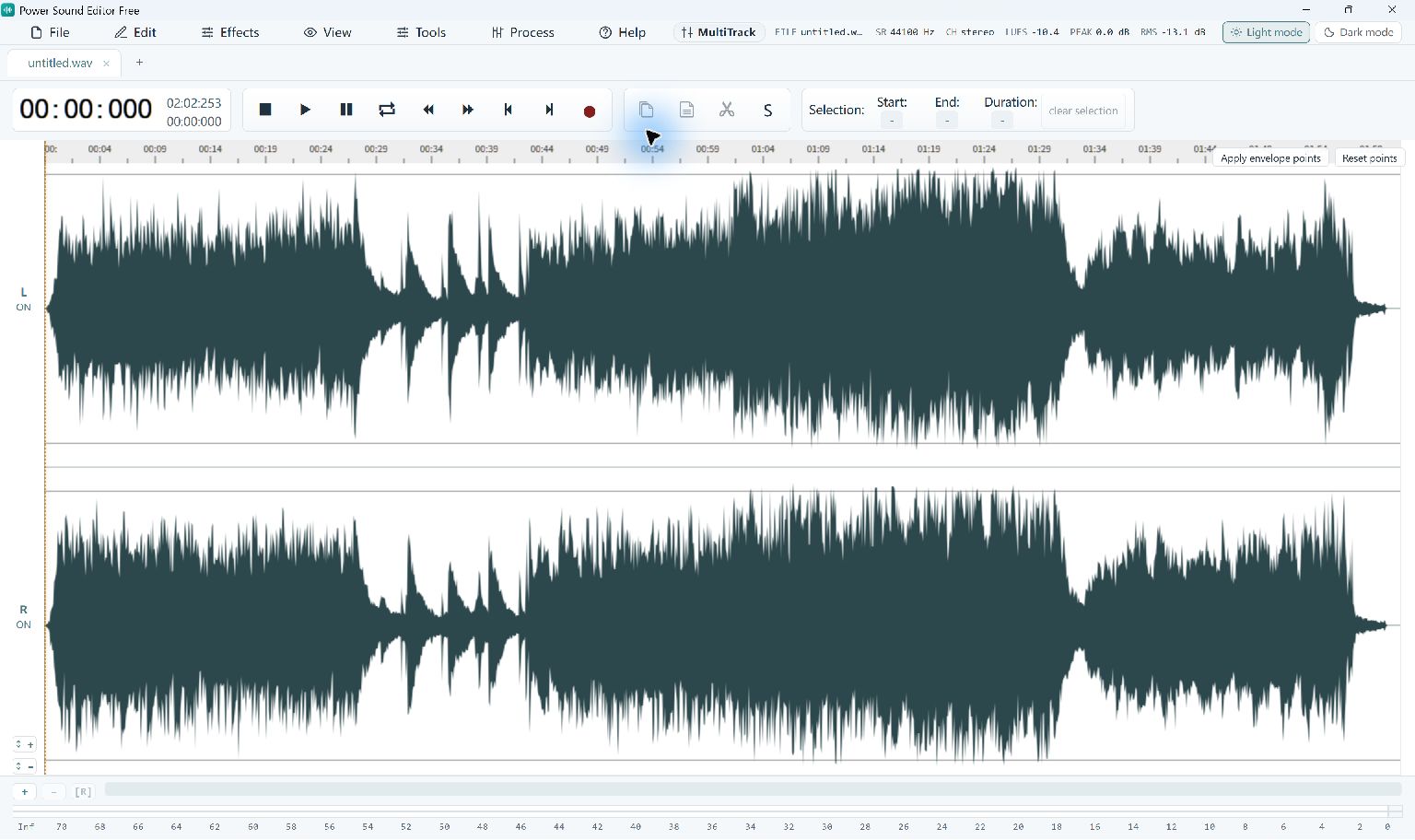
Find the first sound you want listeners to notice. For a spoken introduction, leave the first consonant clear and begin the fade in the small lead-in before it. For music, listen for a phrase or beat that makes a sensible entrance. A fade across the whole file will change far more than the opening.
At the other end, preserve a final word or a useful decay before reducing the level. Listen to the surrounding audio as well as the selected region; a transition can sound smooth on its own and awkward in context.
Choose a fade length
A very short fade can soften an abrupt edge. A longer one creates a noticeable build or exit. There is no single duration that suits every recording: a clipped syllable needs a different decision from a musical outro. Undo and try a smaller region if the important sound becomes too quiet.
Step-By-Step Instructions
- 1
Open your recording
Load your recording and listen to both ends before selecting anything. Keep the source file for another attempt.
- 2
Apply Fade In
Drag across the opening region, then choose Effects → Fade In. Play from just before the useful sound begins.
- 3
Apply Fade Out
Select the final region separately and choose Effects → Fade Out. Check that the last word or note still has time to finish.
- 4
Export and listen again
Use File → Convert / Export to write the finished audio. Open the exported file and check its first and last few seconds.
Common Questions
Will a fade remove background noise?
It lowers everything in the selected region. Continuous noise during speech needs a different treatment, such as voice noise reduction.
Can I change the fade after applying it?
Use Undo and select a different length before applying the effect again. Keep a project if you plan more editing.