
What affects DVD copy speed
The optical drive, disc condition, connection and destination storage affect reading speed. Repeated attempts to read damaged sectors can slow a job dramatically. Copying to an unreliable or nearly full drive creates another avoidable problem.
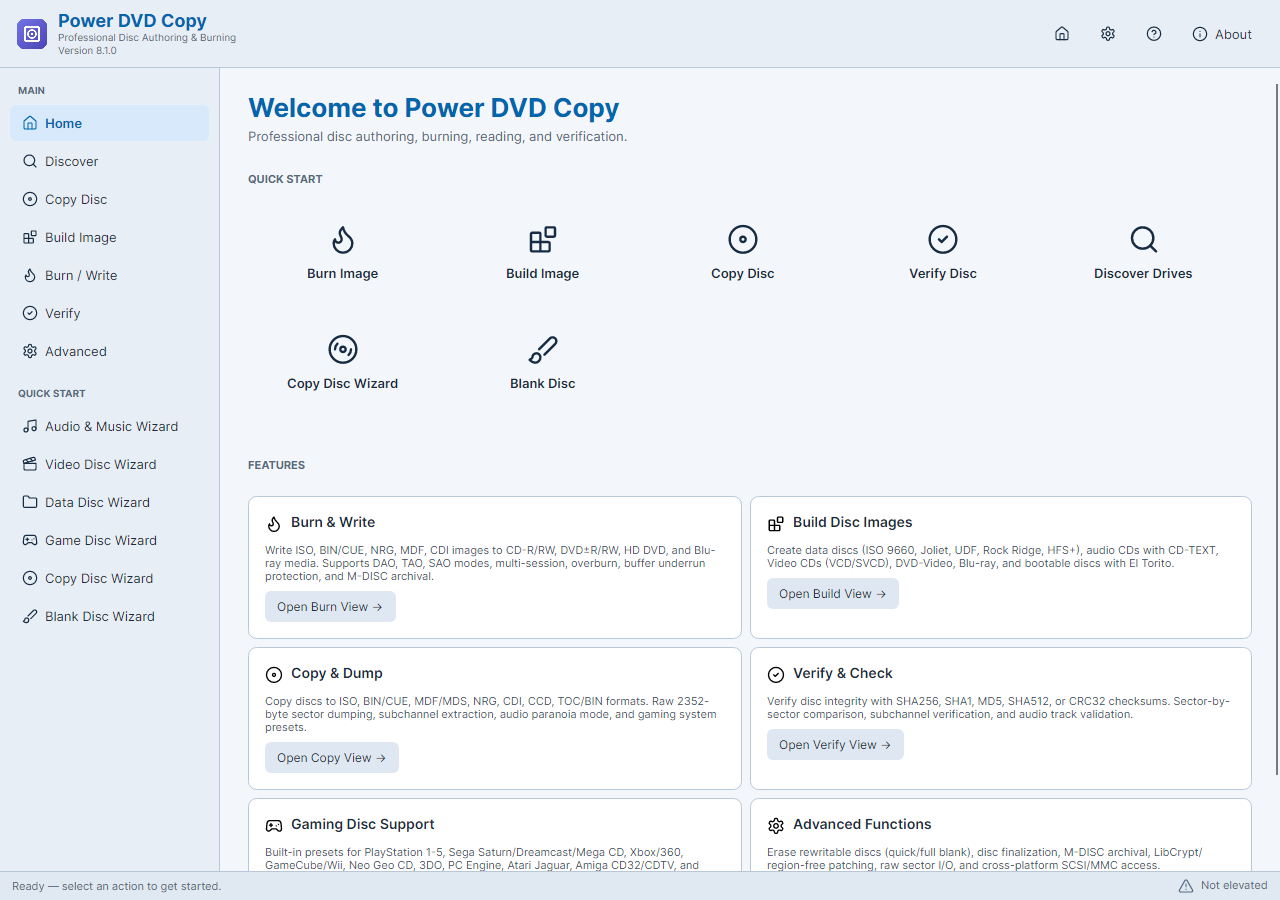
A disc image normally keeps the underlying content rather than re-encoding every video frame. That is why selecting a faster video codec or a different video bitrate is not the central control for a straightforward disc backup.
When GPU video encoding can help
If the goal is a new MP4 or another media file, video conversion can benefit from a supported hardware encoder. Power Movie Switch offers relevant options, but the actual result depends on the GPU, driver, codec and processing steps.
The current Power DVD Copy release does not promise CUDA or DXVA acceleration for movie ripping, and it does not remove encrypted movie-disc protection. For video conversion, check which hardware-encoding options your PC supports.
Step-By-Step Instructions
- 1
Choose disc copying or video conversion
Choose a disc image for preservation. Choose a media conversion task when you need a different codec, resolution or smaller playable file.
- 2
Prepare the source and destination
For a copy, inspect the disc, connect the optical drive reliably and select storage with enough space. Start with a known-good disc when diagnosing speed.
- 3
Compare conversion speed and quality
For video conversion, test a short clip with supported hardware and software settings in Power Movie Switch. Compare completed output quality as well as elapsed time.
Common Questions
Will CUDA make every DVD copy faster?
No. An image read is often limited by optical hardware and disc condition, not video encoding throughput.
Can I force a faster read speed safely?
Use a speed supported by the drive and medium. Read errors or unstable results are a reason to review the source, not simply demand more speed.