
Avoid unnecessary resizing
If a phone needs a smaller video, there is little reason to export a larger frame than the source. Similarly, increasing frame rate or selecting an unnecessarily demanding codec can add processing without helping your audience. Start with the smallest set of changes that solves the playback problem.
Source decoding, effects, resizing, audio processing and file writing all take time. Faster video encoding does not eliminate every other stage. A slow drive or complex filter chain can remain the limiting part of the job.
Compare hardware and software encoding
When compatible hardware encoding is available, test it with the same short clip and output resolution you use for software encoding. Compare elapsed time, visible detail, file size and playback compatibility. Different encoders can produce different results at seemingly similar settings.
If hardware encoding fails, try a software preset to establish whether the source and output choices work. Drivers and hardware capabilities can vary; selecting a GPU-related preset cannot add an encoder that the computer does not support.
Step-By-Step Instructions
- 1
Choose the output size and format
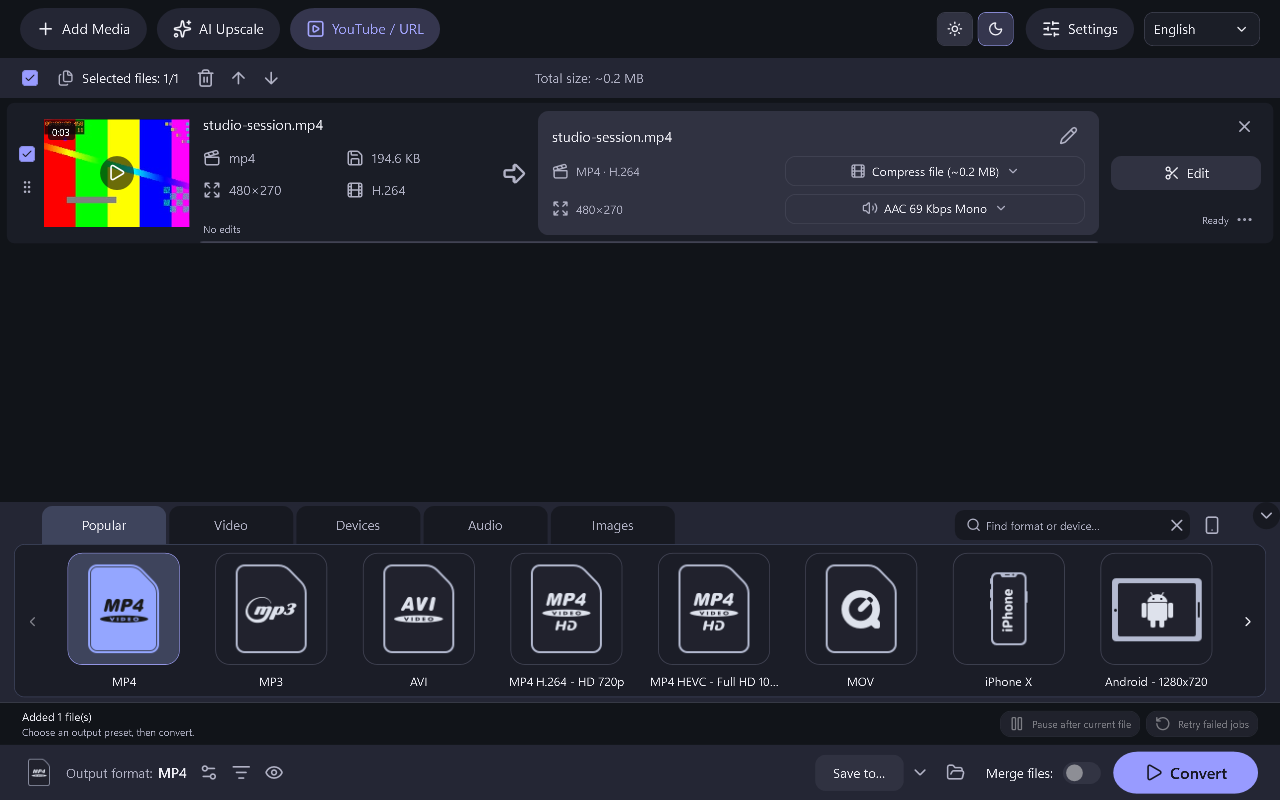
Choose the device or format needed by the recipient. Keep the source dimensions where suitable and avoid unnecessary upscaling.
- 2
Convert the same clip with both settings
Convert the same sample using a supported hardware option and a software option. Change as few other settings as possible so the comparison remains useful.
- 3
Use the tested settings for your batch
Pick the option that balances time, appearance and size. Check the first completed full-length output before leaving a large batch unattended.
Common Questions
Is GPU conversion always faster?
No. Hardware support, input decoding, filters and storage can change the result. Measure your own typical workflow.
Does faster encoding guarantee the same quality?
No. Compare the completed files at a similar size or quality target instead of judging only by the progress timer.